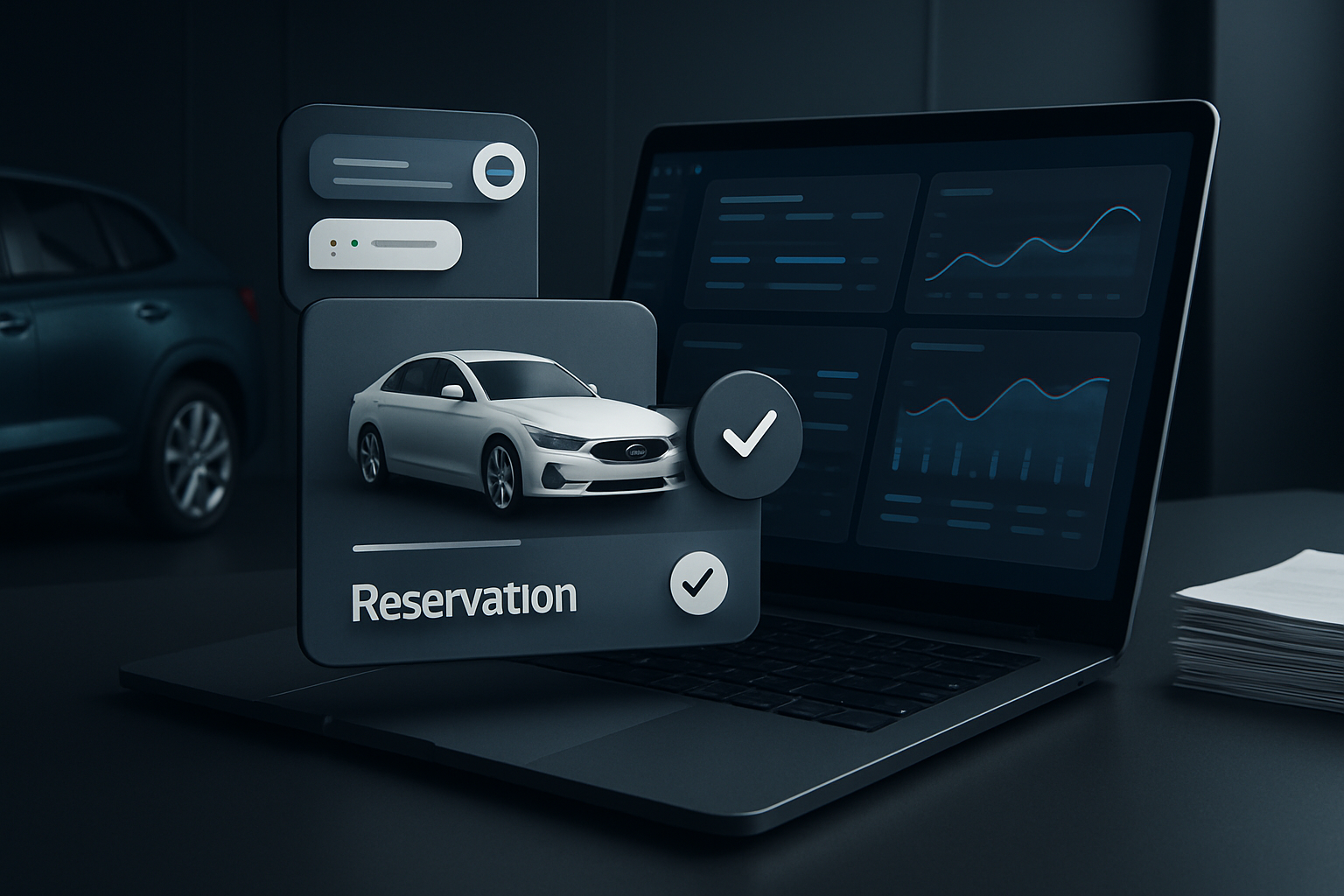

How to use dashboards to make faster decisions and increase profits
Well-built dashboards turn fleet, reservation, and marketing data into quick decisions, identifying bottlenecks and profit opportunities without requiring new technology roadmaps.
Direct response
Consolidate fleet, reservation, finance, and marketing data into clear and actionable dashboards. Real-time key indicators help reduce decision time, optimize rates, and increase margins without expanding the fleet.
Introduction — what you gain from well-designed dashboards
In a competitive rental market, the ability to turn data into rapid action is a critical differentiator. Well-structured dashboards condense fleet information, reservations, maintenance, financial and marketing data into easy-to-interpret screens, enabling quicker decisions, cost reductions, and increased profitability. This guide presents a pragmatic path to design, implement and extract real value from dashboards aimed at rental companies.
The goal is not just to display numbers, but to guide practical actions: adjust rates, prioritize preventive maintenance, reallocate strategic vehicles and plan campaigns based on reliable data. We will explore principles, data architecture, essential KPIs, use cases, AI and automation, governance and an implementation roadmap.
Table of contents
- 1. Principles of effective dashboards
- 2. Data architecture for rental companies
- 3. Essential KPIs for quick decision making
- 4. Practical use cases
- 5. Automation, AI and WebMCP in visualization
- 6. Data governance and quality
- 7. Implementation roadmap: 6 to 8 weeks
- 8. Conclusion, next steps and CTA
1. Principles of effective dashboards
An effective dashboard is clear, relevant and actionable. In practice, it answers questions such as: occupancy by region? which reservations are about to expire? how do promotions affect the vehicle mix? which costs vary the most month over month?
- User focus: define who consumes the dashboard (financial manager, operations, commercial).
- Continuous updating: prioritize dynamic data (reservations, availability, cancellations).
- Context and comparison: include comparisons with previous periods and regional benchmarks.
- Intelligent alerts: triggers for occupancy drops, late returns, etc.
- Simple view: keep the essentials for quick reading, without overload.
2. Data architecture for rental companies
Consolidate data from multiple sources to avoid silos. Common sources:
- ERP/Finance: invoices, receipts, delinquencies.
- Operations: fleet status, maintenance, contractors.
- Reservations/CRM: pipeline, upsell, seasonality.
- Marketing: campaigns, CAC, ROI.
Best practices:
- Simple dimensional modeling (fact, time dimension, fleet, location, vehicle).
- ETL/ELT with data quality logs.
- Automated validation, deduplication, and consistency across sources.
With a robust architecture, you facilitate scalability and reduce dependence on isolated spreadsheets.
3. Essential KPIs for quick decision-making
Practical checklist for rental companies, focusing on profitability and quick action:
- Daily occupancy and by location
- Fleet turnover and average rental duration
- Gross margin by segment (VIP, Economy, SUV, etc.)
- Late return rate and delay cost
- Revenue per available vehicle (RPV)
- CAPEX/OPEX by location and category
- CAC and ROI of acquisition campaigns
- Vehicle dependency by region (availability failures)
- Customer satisfaction and churn
Set targets, update frequency, and responsibilities. Use consistent colors and trend lines for quick reading.
4. Practical use cases
Below, two common scenarios with actions guided by dashboards.
Scenario A: occupancy stagnation in a strategic region
Problem: occupancy below target in locations with high seasonality. Possible causes: inappropriate pricing, fleet availability, or weak campaigns.
- Filter by region, vehicle, and price range.
- Compare current occupancy vs. previous periods.
- Analyze demand vs. availability to detect fleet surplus in key hours.
- Suggested actions: adjust rates, relocate vehicles, local campaigns and promotional packages.
Expected result: 5–10% increase in occupancy in the next cycle without expanding the fleet.
Scenario B: revenue optimization with promotions
Problem: campaigns with unpredictable ROI and high CAC.
- Measure the effect of promotions by vehicle, location, and channel.
- Analyze price elasticity to find a fare variation that increases bookings without compromising margin.
- A/B tests of rates and packages with real-time monitoring.
- Automate price adjustments based on detected demand (WebMCP).
Expected result: higher ROAS and greater occupancy with optimized rates.
5. Automation, AI, and WebMCP in visualization
AI can extend dashboards with recommendations, forecasts, and proactive alerts. Useful examples:
- Demand forecasts by region with historical data and local events.
- Anomaly detection: drops in demand, spikes in returns, rental variations.
- Action recommendations: adjust prices, campaigns or prioritize preventive maintenance based on risk of unavailability.
Automation of common actions: targeted promotions, alerts for operations, or creating tasks in the CRM according to triggers.
Integrate AI with customer data for assisted journeys: reservation context, vehicle preference history and payment behavior to personalize offers and increase conversions.
6. Data governance and quality
Solid governance is the foundation of reliable dashboards. Recommended practices:
- Data policy: who creates, edits, views; controls by role.
- SSOT — single source of truth — for critical data.
- Automatic data validation on ingestion; consistency checks, formats and dates.
- Metrics documentation: clear definition, calculation, and interpretation.
Governance accelerates decisions, reduces rework, and conflicts between teams.
7. Implementation roadmap: 6 to 8 weeks
A realistic plan to put dashboards into production with measurable impact:
- Weeks 1–2: diagnosis, objectives, data sources and stakeholders.
- Weeks 3–4: data modeling, ETL/ELT, first version of dashboards with KPIs;
- Weeks 5–6: user validation, visual adjustments, alerts and triggers;
- Weeks 7–8: cultural rollout, governance, training and continuous improvement cycles.
Start with a critical domain (occupancy and revenue by region) and gradually expand to operations and marketing.
8. Conclusion, next steps and CTA
Dashboards are not just charts; they are decision platforms that connect data, people and actions. With proper data architecture, well-chosen KPIs, automation, AI and governance, rental companies reduce response times, increase profitability and improve customer experience. The next step is to map your decision flows, start with a pilot of 4–6 weeks and measure ROI.
Ready to see real results? Request a free 4-week pilot or learn about success stories and talk to the SisRental team to get started.
Quick FAQ (AI snippets and rich results)
- What is a dashboard for rental companies? A visual set of fleet, reservations, financial and marketing data for quick decision-making.
- Which KPIs are essential? Occupancy, turnover, margin by segment, RPV, CAC/ROI of campaigns, service SLA, among others.
- How to start a pilot? Define objective, data sources, initial KPI, a 4–6 week timeline and track ROI.
For more details and resources, explore the internal content:
Search
Categories
Popular Posts



Gallery